
The short answer: a control processor connects to every device in the room (projector, screen, audio processor, sources, lighting, curtains) and runs a sequence when you press one button. You choose "Movie", and the lights dim, the screen drops, everything wakes up on the right input in the right order, and the film starts. It works from a remote, an app or a wall keypad, and it's the difference between a cinema that gets used every night and one that gets used at weekends.
What "one press" actually does
A well-programmed cinema runs a handful of scenes. A typical set looks like this:
| Scene | What happens |
|---|---|
| Welcome | Lights come up to a comfortable level, the equipment wakes, and the room is ready as you walk in. |
| Movie | Lights fade, curtains close, the screen or masking moves into place, the projector and processor switch to the right input and mode, and the source starts. |
| Pause | Low lighting comes up so people can move safely, and the picture holds. |
| Resume | Lights fade back down and playback continues. |
| Goodnight | Everything shuts down in the right order, including letting the projector cool properly, and the lights guide you out. |
The point isn't the technology. It's that anyone in the family can start a film without a manual.
Why shop-bought universal remotes disappoint
- They can't see the state of the room. Most send one-way infrared commands with no feedback, so if a device misses a command, the sequence gets out of step, and "power" can turn things off as easily as on.
- They need line of sight. Equipment in a rack or behind a screen doesn't hear them reliably.
- They don't understand timing. Projectors take time to warm up and cool down, and a remote that fires commands too quickly leaves inputs unselected.
- They stop at the AV equipment. Lighting, curtains and the screen are usually out of reach.
A proper control system talks to each device over the network or a wired control connection where it can. It knows what state each device is in, and waits for each step to finish before starting the next.
Remote, app or keypad?
- A physical remote: the best main control in a dark room, because you can feel the buttons without looking or lighting up a screen.
- An app on your phone or tablet: useful for browsing, for guests, and as a backup, but a bright screen in a dark cinema is a distraction.
- A wall keypad at the door: "Welcome" and "Goodnight" in one press as you walk in and out.
Most rooms are best with a physical remote as the main control and the app as a backup.
What has to be planned before the walls close
Control is the last thing you touch and one of the first things that has to be designed:
- Network cabling to the projector, processor, sources and control processor, so the key devices don't depend on Wi-Fi.
- Control and power to the motorised screen, masking and curtains.
- Dimmable lighting circuits, with drivers that dim smoothly and without flicker.
- An equipment location with space, access and ventilation, because a sealed cinema also has to shed the heat of its equipment.
All of this belongs in the cabling drawings issued to your contractor. See the villa fit-out timeline for when each decision is made.
Lighting is half the experience
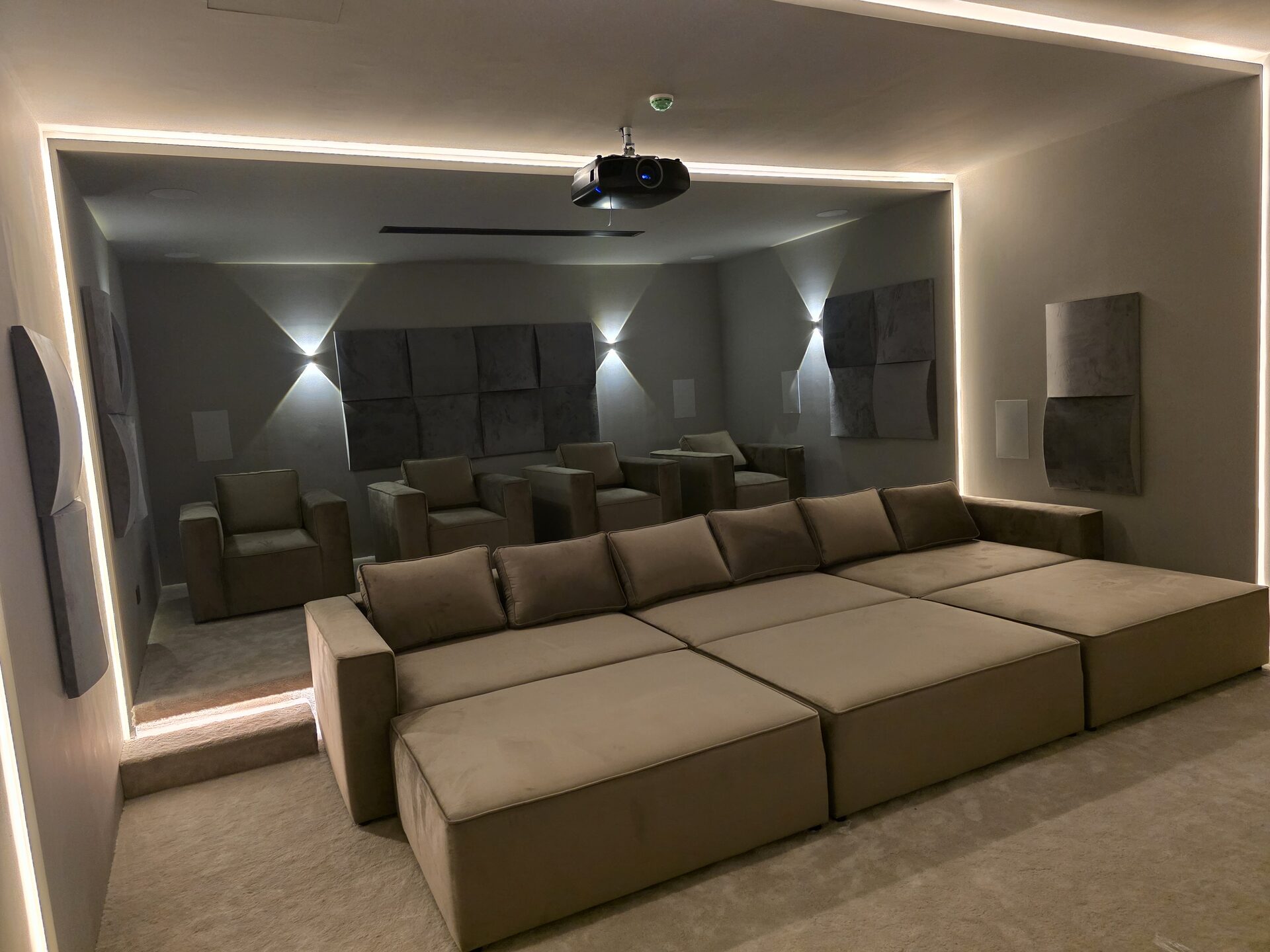
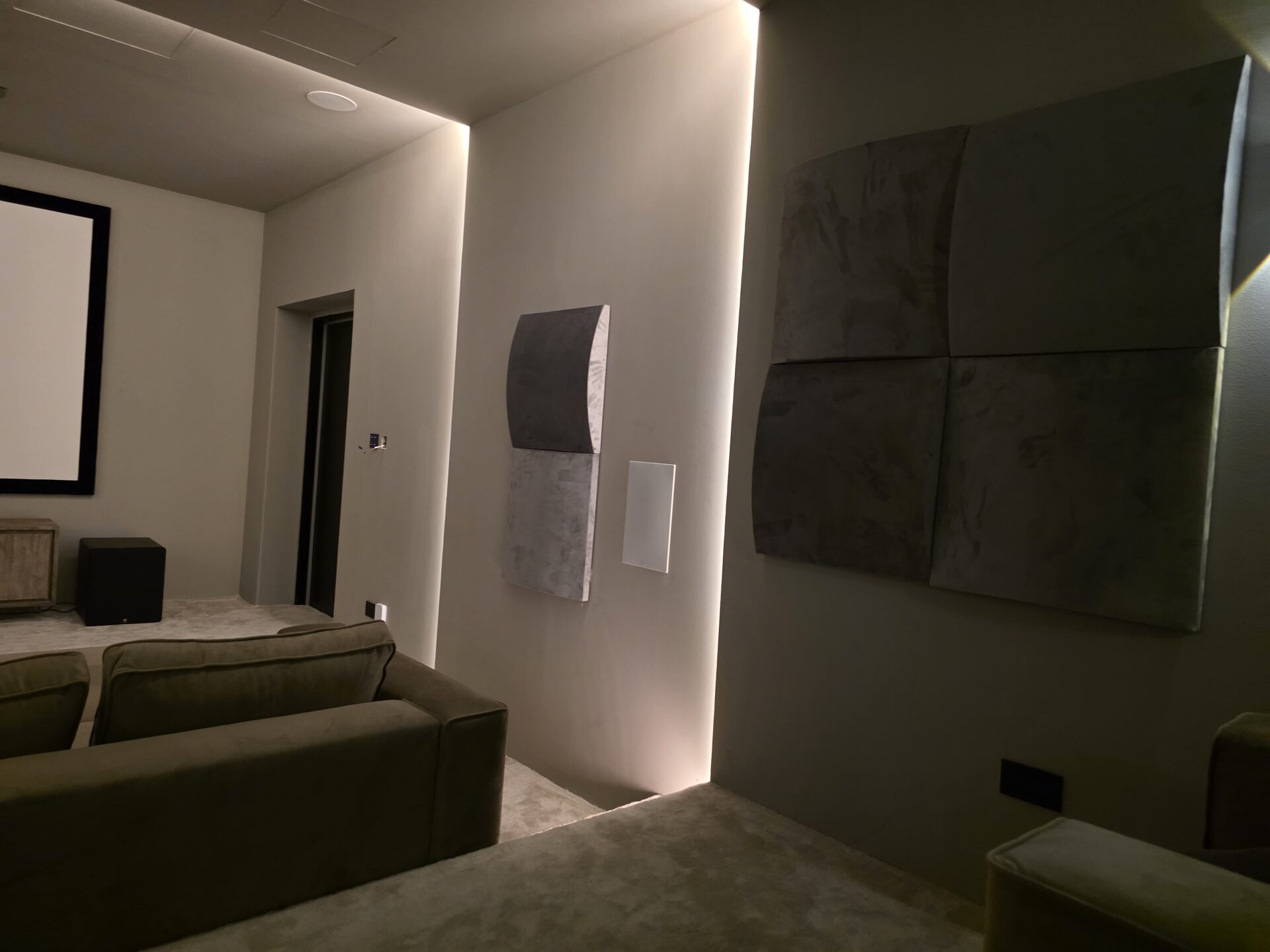
Good cinema lighting is layered. Step and aisle lights keep people safe in the dark. Cove and wall lighting sets the mood before the film and fades away completely during it. The screen wall stays dark, so nothing competes with the picture. Scenes tie all of this together, so no one ever reaches for a light switch.
Part of the whole house, or standalone?
The cinema can join a whole-home automation system where it's compatible. For example, it can link to the house's lighting or cooling, or show on the same app. Either way, the cinema should work perfectly on its own. It's the one room where reliability matters most.
Control in our series
| Series | Control and lighting |
|---|---|
| Performance | Single-remote control |
| Reference | Scene lighting plus one-press automation |
| Signature | Whole-room automation with custom scenes |
Every room is designed for its space, so the investment depends on size and finish. Your Design Session gives you three real options.
Frequently asked questions
Can I use my phone as the remote?
Yes. The control app runs on phones and tablets. Most owners still prefer a physical remote as the main control in a dark room and keep the app as a backup.
Can you make my existing equipment work on one remote?
Usually, yes. Most current projectors, processors and sources can be controlled over the network or a wired control connection. We check what each device supports before designing the system.
What happens if the Wi-Fi goes down?
A properly designed cinema puts its key devices on wired network connections, so the room doesn't depend on Wi-Fi to start a film.
Can the cinema link to my home automation system?
Where the systems are compatible, yes. For example, it can share lighting or cooling control, or show on the same app. The cinema should still work perfectly on its own.
Is control included, or an extra?
It's included in every series. Performance includes single-remote control, Reference adds scene lighting and one-press automation, and Signature covers whole-room automation with custom scenes.
Next steps
- Talk to an engineer: book a free 60-minute Private Cinema Design Session.
- See which options fit your room: shape it in the 3D Room Designer.
- Planning the whole room? Read the private cinema buyer's guide and the cost guide.